Intelligent document management

Intelligent document management
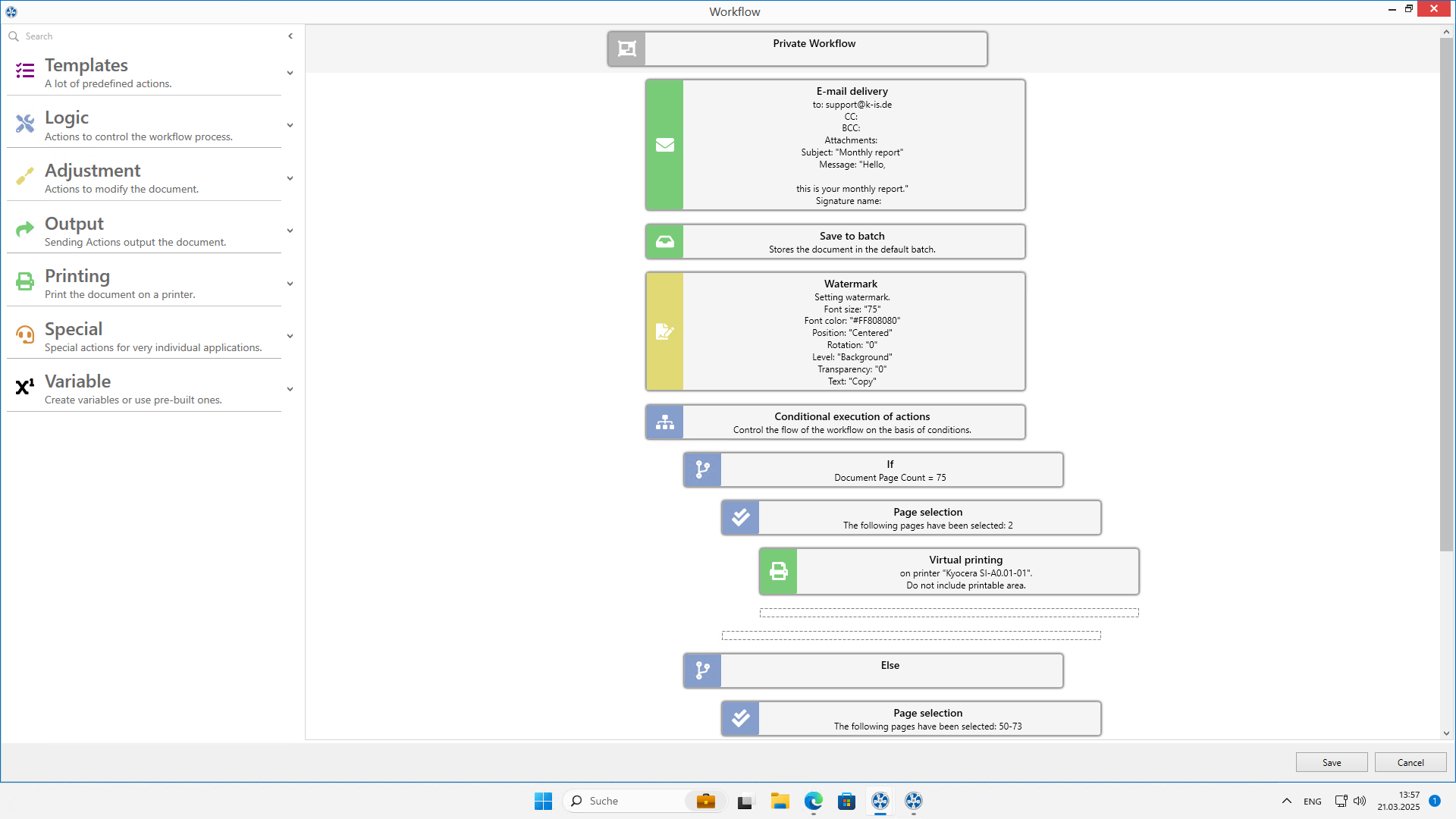
With steadyPRINT workflows, you save time and money through automated processes. By triggering a print process, a sequence of previously defined action can be started, which are then processed automatically. Incidentally, an actual printout on paper does not have to be included. Instead, there are a variety of actions for intelligent document management.

Creating a workflow is quite simple. In the Workflow Designer, you can insert and configure the desired actions using drag-and-drop.

By the way: This is not just about saving a lot of time. Our workflows also help to secure processes, as no more work steps will be forgotten.
My workflow, your workflow

My workflow, your workflow

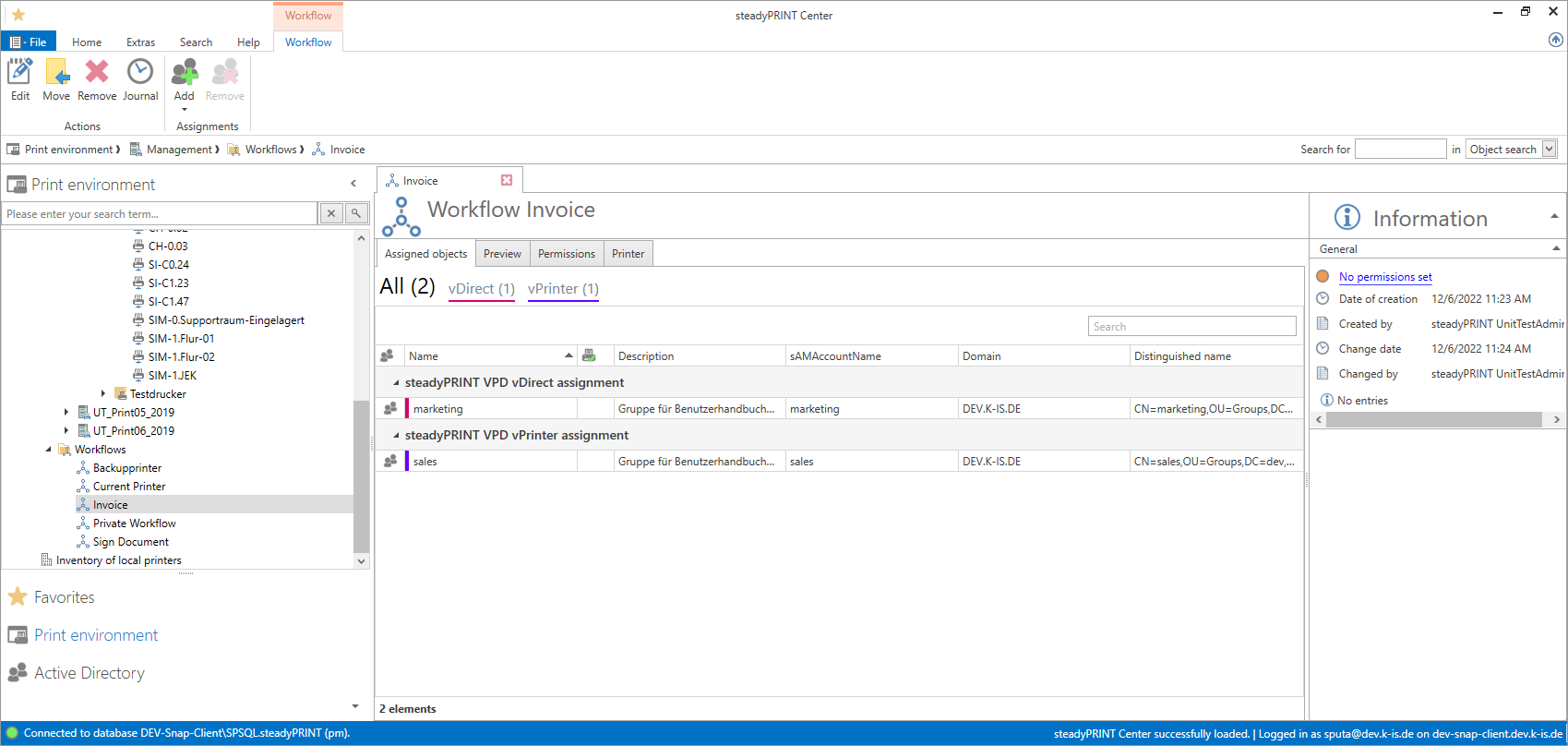
Workflows can be created for a wide variety of scenarios. Some applications affect several or even all users. In this case, the administratie can create workflows centrally and assign them to the users.

Other cases might be a bit more specific or unique. This means that users can also create their own workflows and thus optimize their daily work routine. And if you realize that you’ve had a great idea that others could benefit from, you can easily share your workflow with other users and make your colleagues’ lives a little better.

Unlimited possibilities

Unlimited possibilities

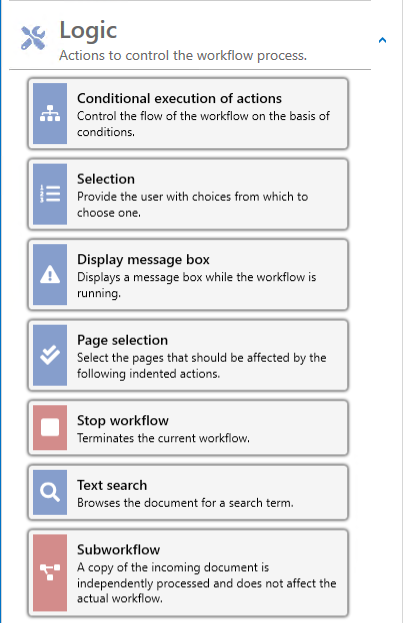
A wide range of possible actions are available for creating workflows.

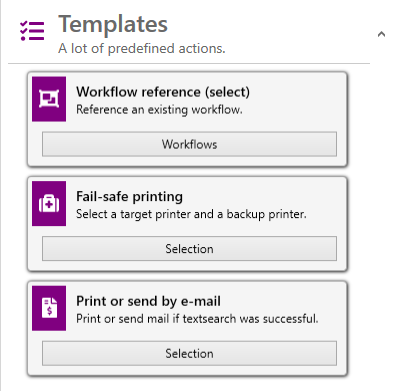
  • Templates

    • Reliable printing
    • Printing or sending by e-mail
  • Logic

    • Conditional execution of actions
    • Selection
    • Display message window
    • Page selection
    • Finish workflow
    • Text search
    • Sub workflow
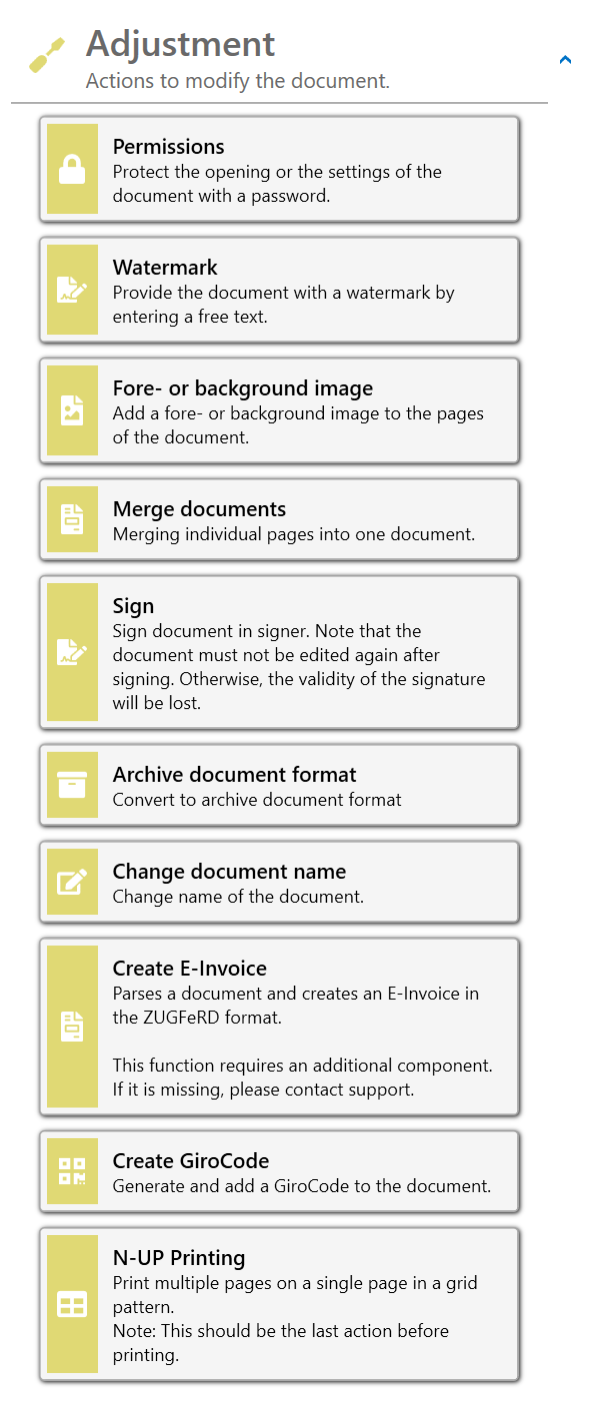
  • Adjustment

    • Permissions
    • Watermark
    • Fore- or background image
    • Merge documents
    • Sign
    • Archive document format
    • Change document name
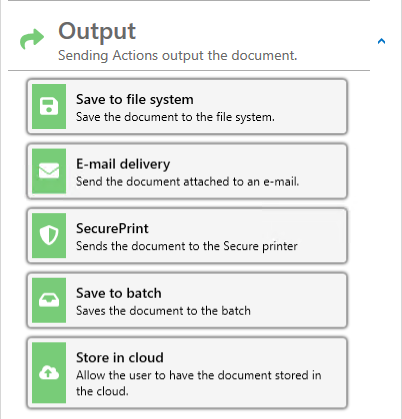
  • Output

    • Save to file system
    • E-mail delivery
    • SecurePrint
    • Save to batch
    • Store in cloud
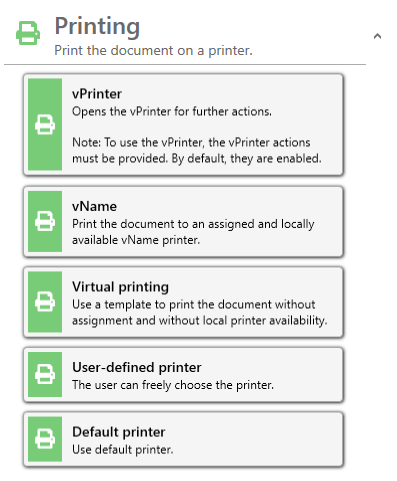
  • Print

    • vPrinter
    • vName
    • Virtual printing
    • User-defined printer
    • Default printer
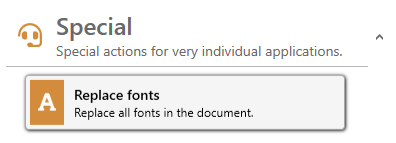
  • Special

    • Replace fonts
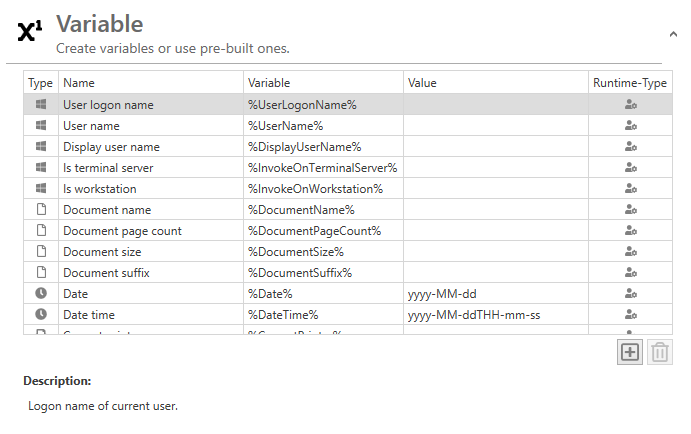
  • Variable

    • Create variables or use pre-built ones.

Sustainable operations through rule-based printing

Sustainable operations through rule-based printing

In many cases, there is no need to print out a paper copy. If that is not possible, resources should still be used consciously. With the steadyPRINT workflows, you can easily create rules that help you work more sustainably. This protects the environment and reduces your costs.

  • Examples for rule-based printing

    • Certain documents (e.g. e-mails) are only printed in black and white.

    • With all documents, only the first page is printed in color; the rest are always printed in black and white.

    • Above a certain size (e.g. more than 20 pages), documents are only printed in duplex mode.

    • For documents above a certain size (e.g. more than 50 pages), only a specific printer is available.

    • Documents above a certain size (e.g. more than 100 pages) are not printed. The user receives a corresponding message.

steadyPRINT workflows in practice

steadyPRINT workflows in practice

  • What can steadyPRINT do for you?

    You know your company and your processes best. Nevertheless, we would like to provide you with a few practical examples so that you can see how steadyPRINT workflows are used in practice. This might give you some ideas of your own.

  • Sending invoices by e-mail or post

    Workflows are able to automatically recognize how certain documents types should be handeled. By creating rules once, different processes can be triggered depending on the document. For example, invoices are automatically sent by e-mail or printed out for dispatch and digitally archived at the touch of a button. This saves time, paper, and money.

  • Signing discharge papers at the hospital using a digital signature

    Use steadyPRINT to simplify the discharge process in hospitals and similar institutions. Thanks to the signing function, the necessary discharge papers can be prepared in advance so that the patient only has to sign in the appropriate places. The documents can then be automatically time-stamped, filed and printed out as a copy for the patient.

  • Printing pay slips from DATEV on dedicated printers

    Specify applications whose documents can only be printed on predefined printers (for example in rooms with access control). During each printing process, the workflow checks the name of the application and automatically ensures that the correct printer is always selected. Each day, this enhances security and data protection within your organization without requiring manual intervention.

Video: steadyPRINT Workflows

Video: steadyPRINT Workflows

Aufzeichnung der zweiten Folge unserer Webcast-Reihe “steadyPRINT Spotlight”. Erfahren Sie hier alles über die Workflow-Funktionen (inkl. Live-Demo).